🎧 How to Set a Default Radio Station in GTA Online (PC Guide)
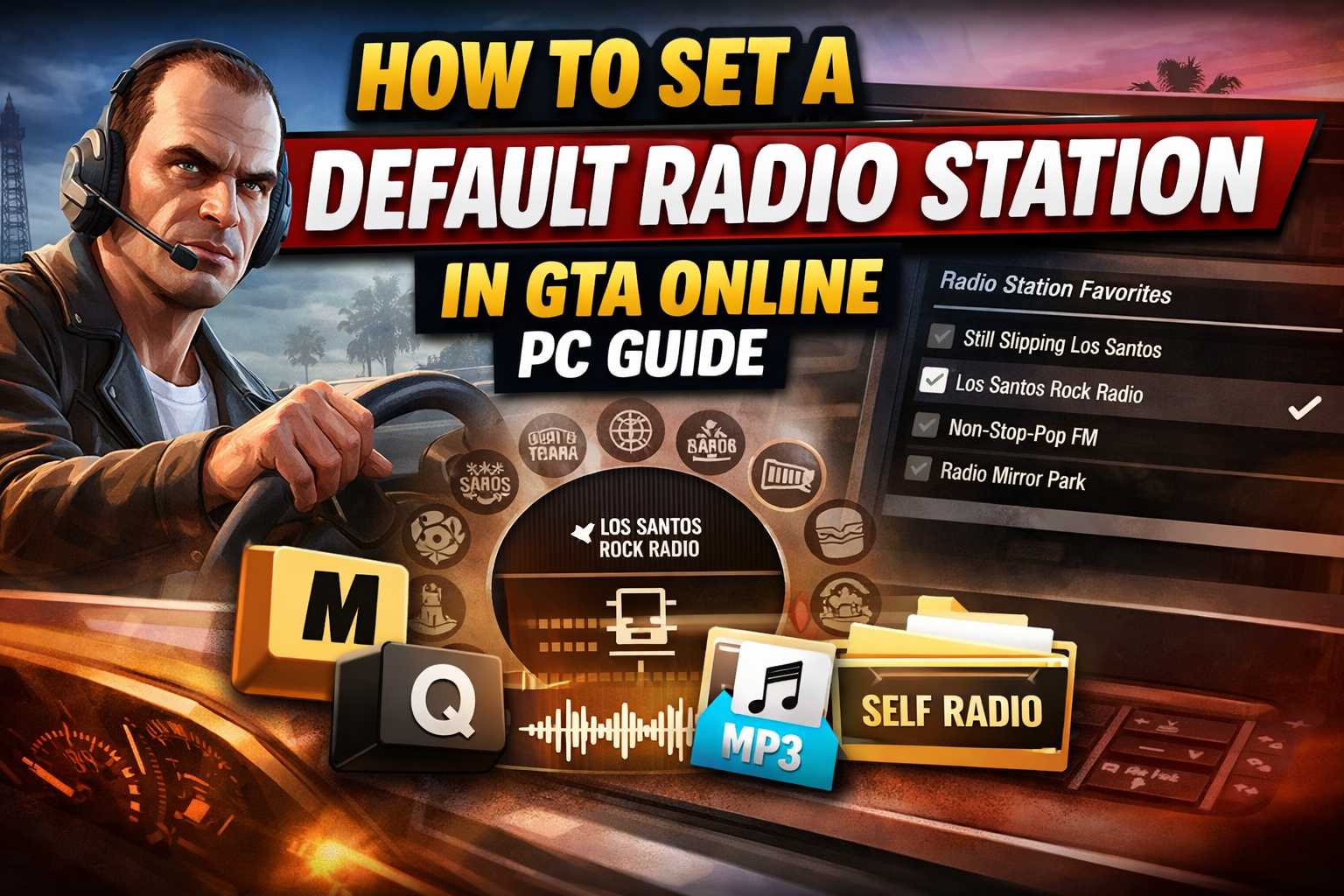
🔧 Method 1: Set a Default Radio Station (Best Method)
This is the most reliable way to force your favourite station to play in every vehicle.
✅ Steps:
- Press M to open the Interaction Menu
- Go to Preferences
- Select Radio Station Favorites
- Uncheck all stations except one
👉 By leaving only one station selected, the game will always play that station — effectively making it your default.
🎵 Method 2: Quick Switch While Driving
If you prefer switching on the fly, this method is fast and easy.
✅ Steps:
- Hold Q to open the radio wheel
- Select your desired station
- Use - (minus) or = (equals) to quickly cycle through stations
⚠️ This method is not permanent and may reset when you enter a different vehicle.
🎶 Method 3: Use Self Radio (Custom Music)
Want your own playlist in-game? GTA lets you add custom music.
✅ Steps:
-
Go to:
Documents\Rockstar Games\GTA V\User Music - Add your MP3 or WAV files
-
Launch the game and go to:
Settings → Audio - Select Perform Full Scan for Music
- Choose Self Radio as your station
👉 You can also select Self Radio using the radio wheel in-game.
💡 Pro Tip
If you don’t want just one station, leave a few favourites checked — this reduces clutter in the radio wheel and makes switching quicker.



×
❮
❯
100%
Ctrl + / - to zoom • Double-click to reset
💬 Comments (0)
Leave a Comment